

Euro Truck Simulator 2 – Going East! DLC EU PC Steam CD Key
5,34 €
1 in stock
Description
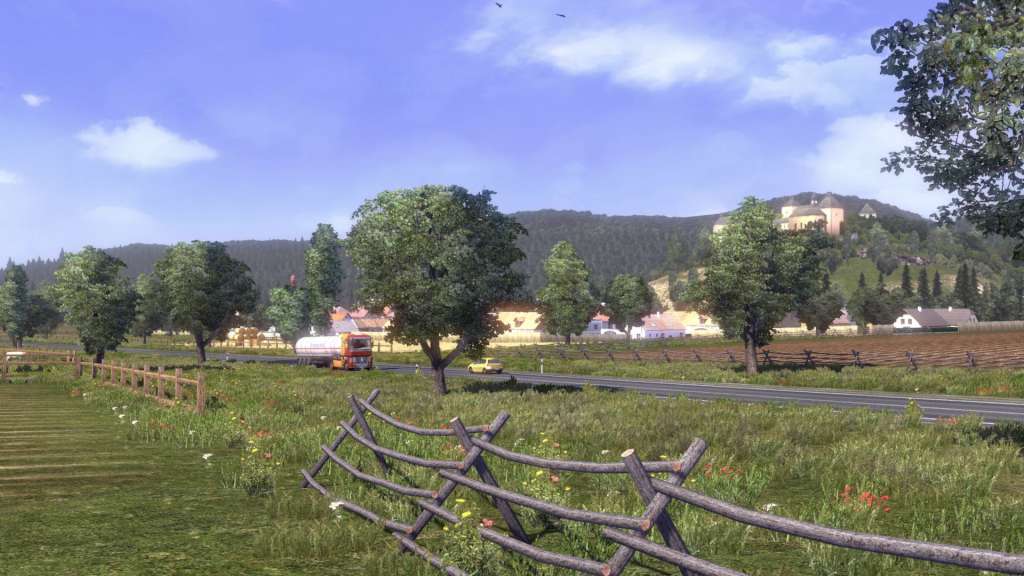
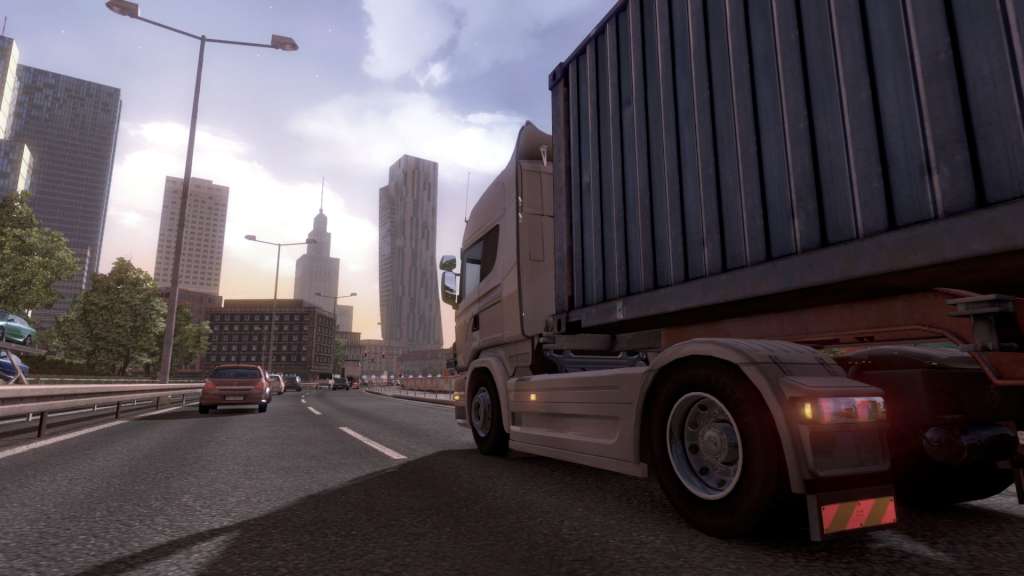
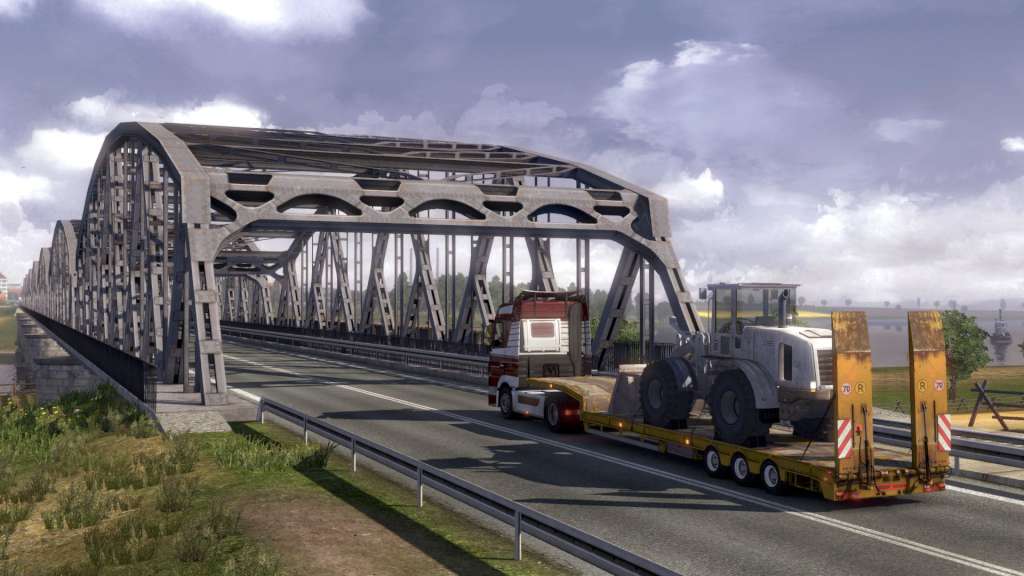
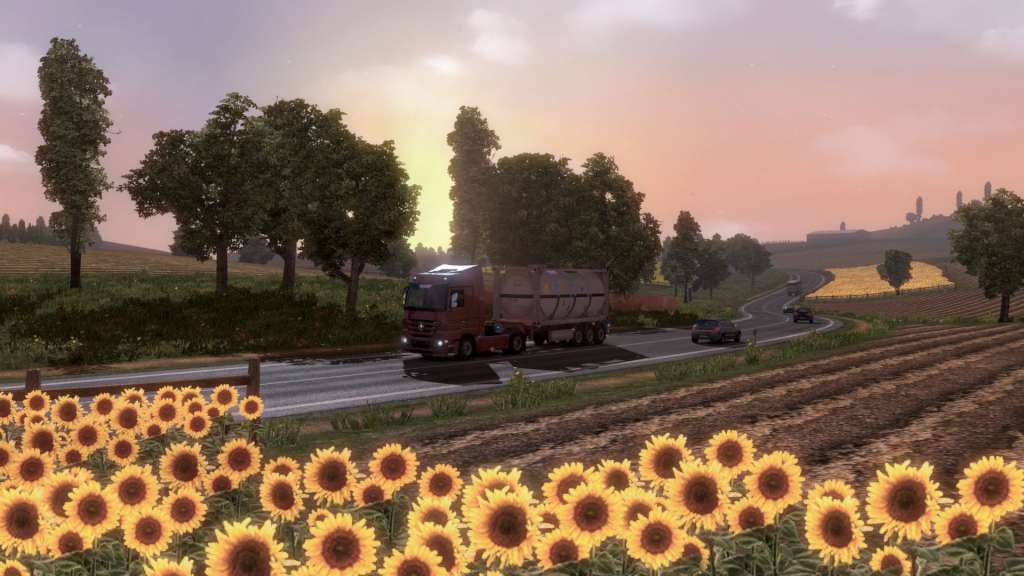
Going East! add-on expands the original Euro Truck Simulator 2 map with new destinations for cargo delivery across Poland, Czech Republic, Slovakia, and Hungary. Key Features: Over 20 hours of driving to explore all the new areas in the game world 15 new cities including Warsaw, Krakow, Ostrava, Budapest, Kosice and more Many kilometers of challenging narrow roads, mountain passes, and roads under repair to test your driving skill
Additional information
| Developers | SCS Software |
|---|---|
| Publishers | SCS Software |
| Genres | Indie, Simulation |
| Platform | Steam |
| Languages | Bulgarian, Chinese, Czech, Danish, Dutch, English, Finnish, French, German, Greek, Hungarian, Italian, Japanese, Korean, Norwegian, Polish, Portuguese – Brazil, Romanian, Russian, Spanish, Swedish, Turkish |
| Release date | 2013-09-19 |
| Steam | Yes |
| Age rating | PEGI 3 |
| Metacritic score | 69 |
| Regional limitations | 1 |
Shipping & Delivery
System requirements
Windows
Minimum: OS *: Windows 7 Processor: Dual core CPU 2.4 GHz Memory: 4 GB RAM Graphics: GeForce GTS 450-class (Intel HD 4000) Storage: 50 MB available space
Linux
Minimum: OS: Ubuntu 12.04 Processor: Dual core CPU 2.4 GHz Memory: 4 GB RAM Graphics: GeForce GTS 450-class (Intel HD 4000) Storage: 50 MB available space Additional Notes: recent binary ATI or NVidia drivers (MESA may not work reliably) Recommended: OS: Ubuntu 12.04 Processor: Quad core CPU 3.0 GHz Memory: 6 GB RAM Graphics: GeForce GTX 760-class (2 GB) Storage: 50 MB available space Additional Notes: recent binary ATI or NVidia drivers (MESA may not work reliably)
Mac
Minimum: OS: Mac OS X 10.9 (Mavericks) Processor: Dual core CPU 2.4 GHz Memory: 4 GB RAM Graphics: GeForce GTS 450-class (Intel HD 4000) Storage: 50 MB available space Recommended: OS: Mac OS X 10.10 (Yosemite) Processor: Quad core CPU 3.0 GHz Memory: 6 GB RAM Graphics: GeForce GTX 760-class (Intel HD 5300) Storage: 50 MB available space
Activation details
Go to: http://store.steampowered.com/ and download STEAM client Click "Install Steam" (from the upper right corner) Install and start application, login with your Account name and Password (create one if you don't have). Please follow these instructions to activate a new retail purchase on Steam: Launch Steam and log into your Steam account. Click the Games Menu. Choose Activate a Product on Steam... Follow the onscreen instructions to complete the process. After successful code verification go to the "LIBRARY" tab and start downloading.